
Automate your customer service with Replyco
The Helpdesk Built Specifically for E-Commerce
From a centralized inbox to seamless automation and enhanced team collaboration—Replyco is designed to save you time, boost customer satisfaction, and accelerate your e-commerce business.
Everything You Need for Superior Customer Service
Simplify and optimize your customer support with Replyco's robust feature set!
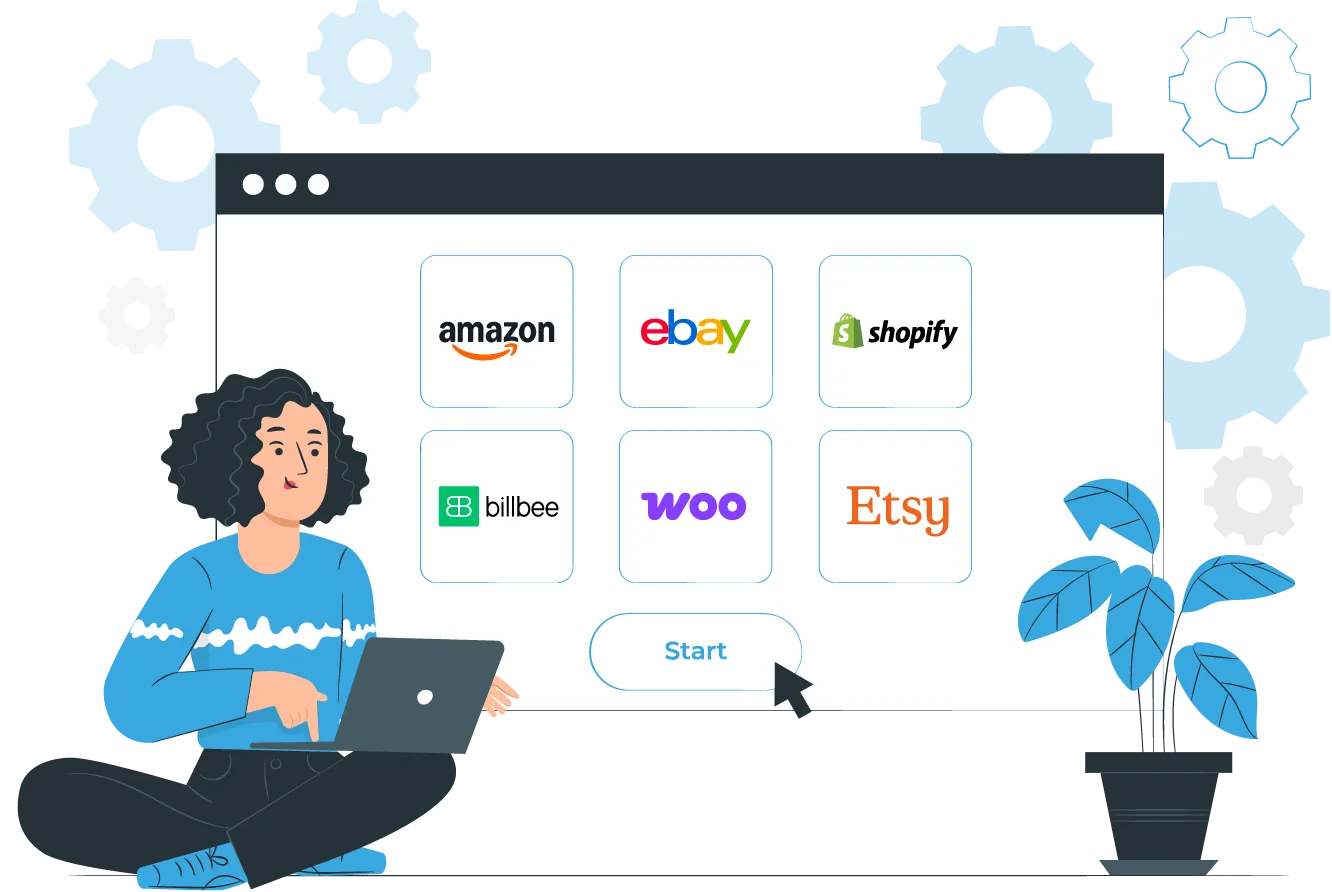
All Integrations in One Tool
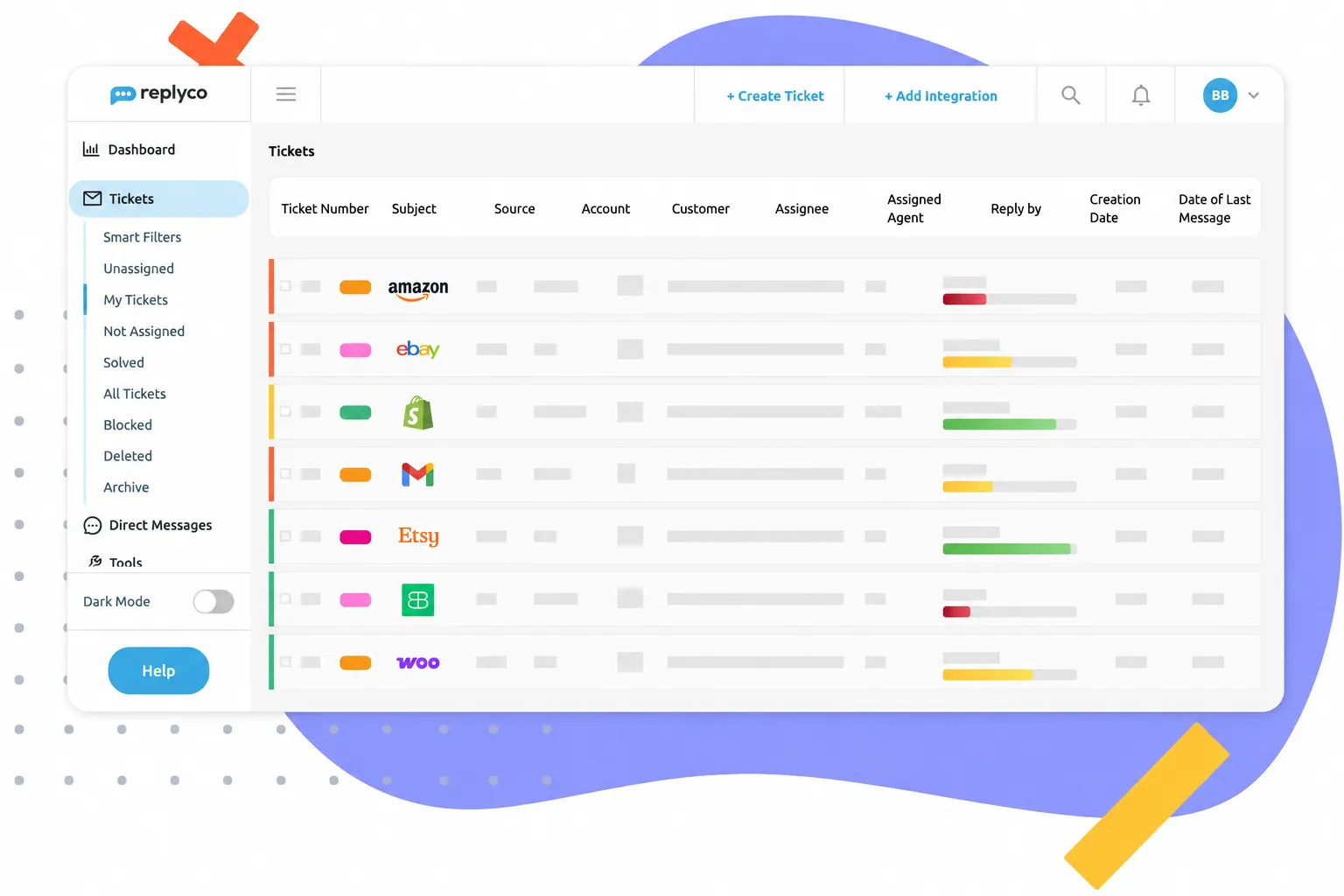
Centralized Communication for Your E-Commerce Business
Optimize Your Processes With AI-Powered Features
Artificial Intelligence
What Replyco Users Are Saying

Improve Your Response Times With Email Templates
Email Automation
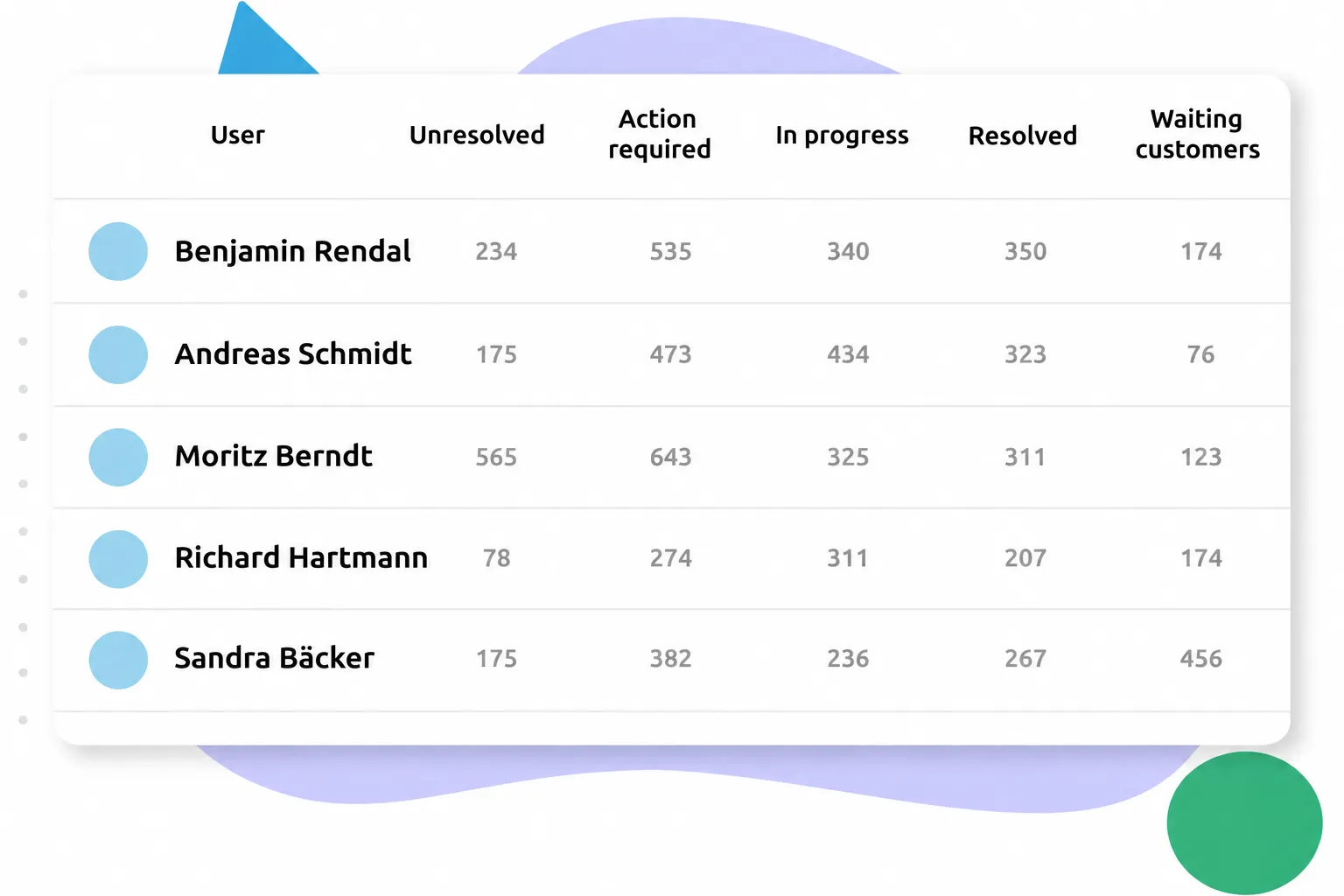
Empower Your Team and Boost Productivity
Team Collaboration
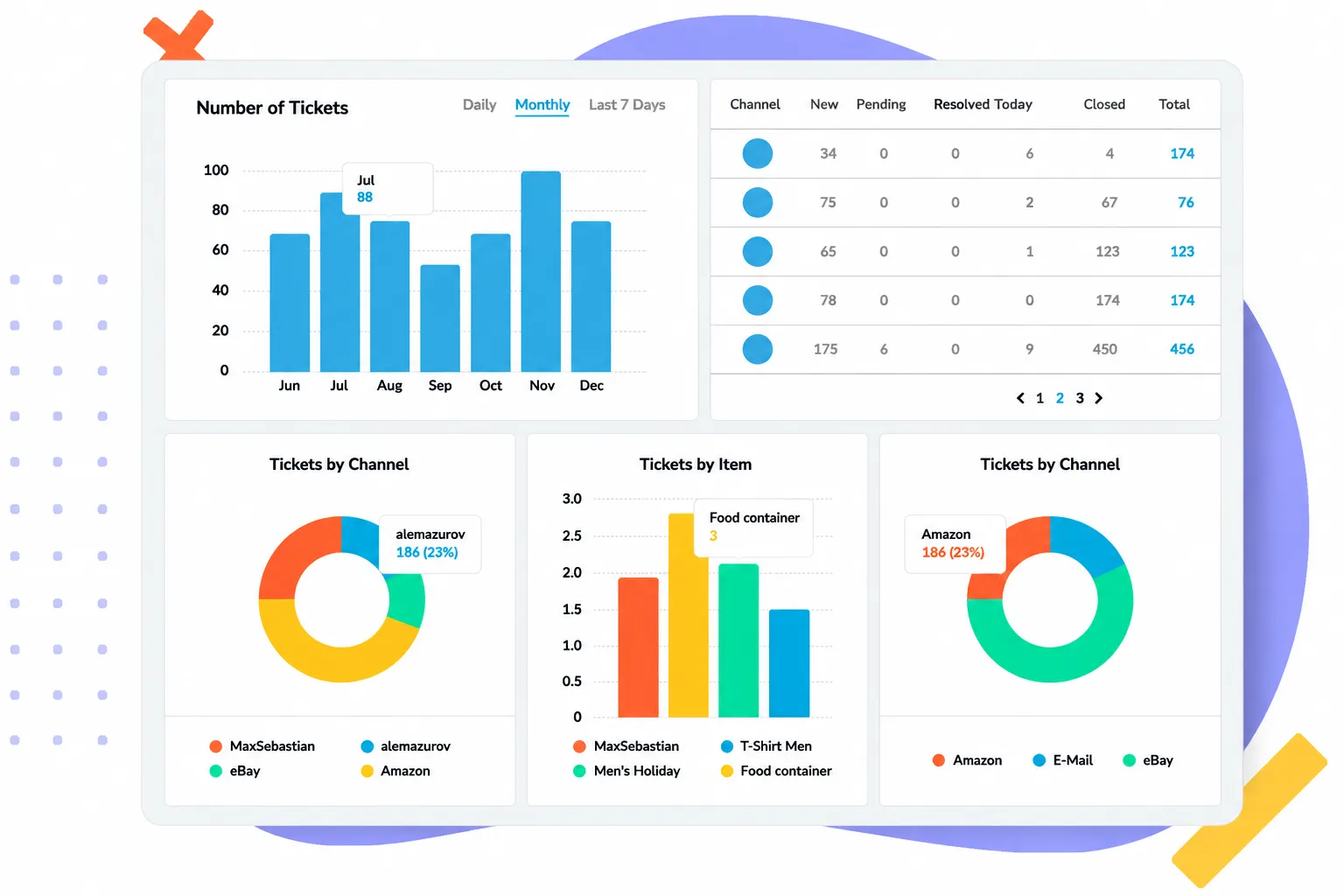
Drive Your Business Forward With Reporting
Reporting
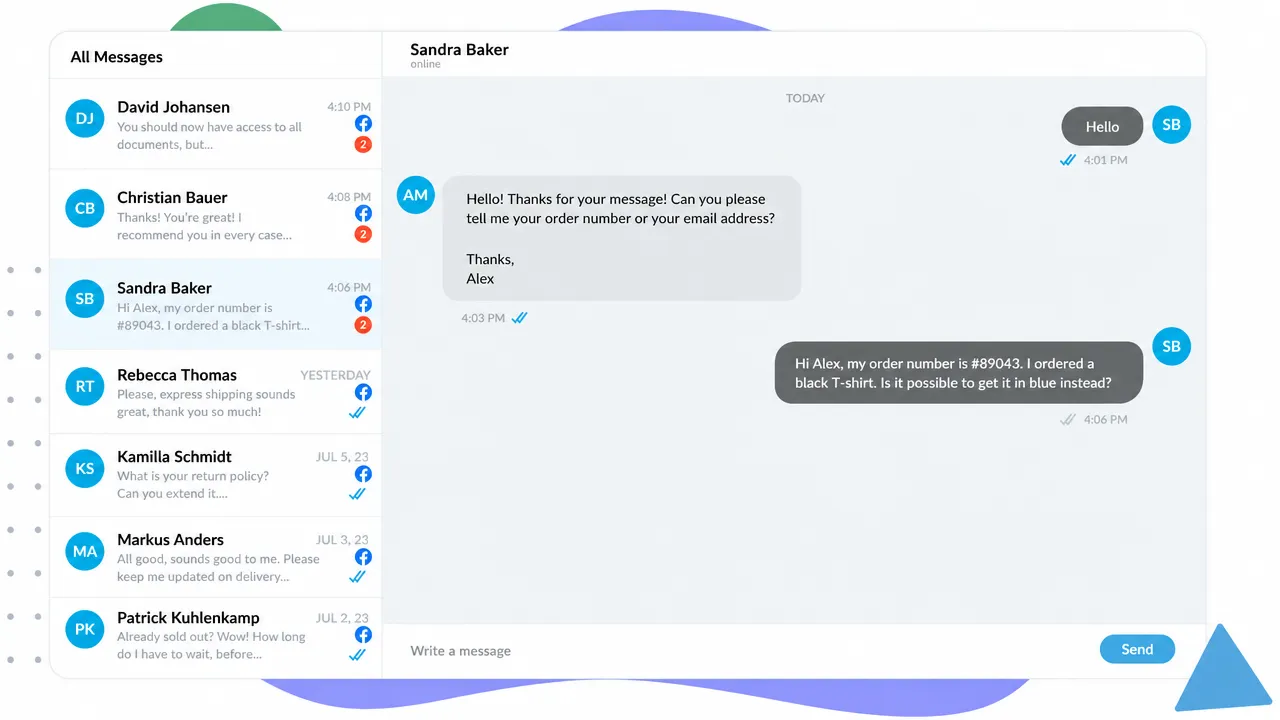
Be Where Your Customers Are
Chat & Direct Messages
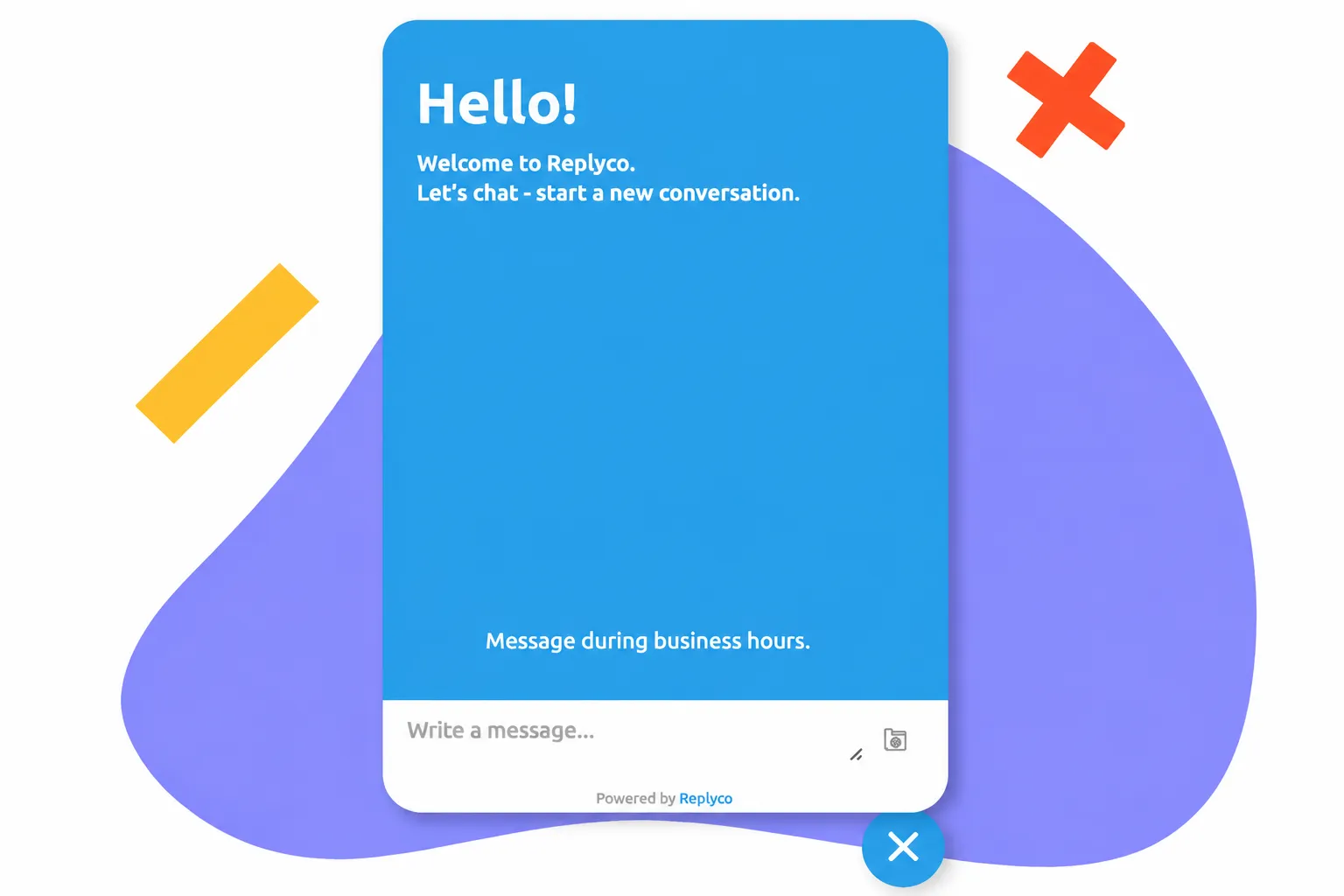
For Your Online Shop
Live Chat Widget
Frequently Asked Questions
What Does "Automated Customer Service" Mean?

Simply put, automated customer service means letting smart software and AI handle the tedious, routine support tasks for you, freeing up your team to focus on more complex inquiries. This ranges from simple "if-then" rules (like automated out-of-office replies or instantly routing an eBay message to your e-commerce specialists) to smart AI that scans incoming messages, categorizes them by topic, or quickly drafts a matching reply for you.
What Are the Benefits of Automated Customer Service?
The biggest advantages are:
- Massive Time Savings for You and Your Team: Your team is freed from repetitive tasks (like manually sorting emails or typing the same answers repeatedly) and gains valuable time for complex inquiries.
- Faster Response Times: Your customers get replies faster or receive an immediate confirmation. This boosts trust and customer satisfaction.
- Fewer Human Errors: With automation, you ensure that no messages get lost in the inbox or accidentally forwarded to the wrong department.
- Great Customer Service Even During Peak Times: When order volumes spike—such as during the peak season around Black Friday or Christmas—customer support inquiries usually skyrocket too. Smart automation makes handling heavy traffic easy without needing to hire additional staff.
Does It Always Make Sense to Automate Customer Service?
100% automation is rarely a good idea. While you can save an enormous amount of time on standard processes (e.g., shipping status queries, return labels, or duplicate invoices), the human element remains essential for complex topics, emotional complaints, or personalized advice. Exceptional customer service relies on empathy and flexibility—qualities that software simply cannot replace. To optimize your customer service, it's best to use a hybrid model: the system handles the routine, while your team focuses on the specialized cases.
Is Customer Service Automation Worth It for Small Businesses?
Yes, especially in small businesses where resources are extremely tight. Here, automation practically steps in as an extra team member. When the software works in the background to pre-sort tickets, filter out spam, and answer standard questions, your team gains the freedom to focus on the core business, marketing, and product development instead of spending hours tackling emails.
Which Workflows Can I Automate With Replyco?
Replyco offers various easy-to-configure automation tools:
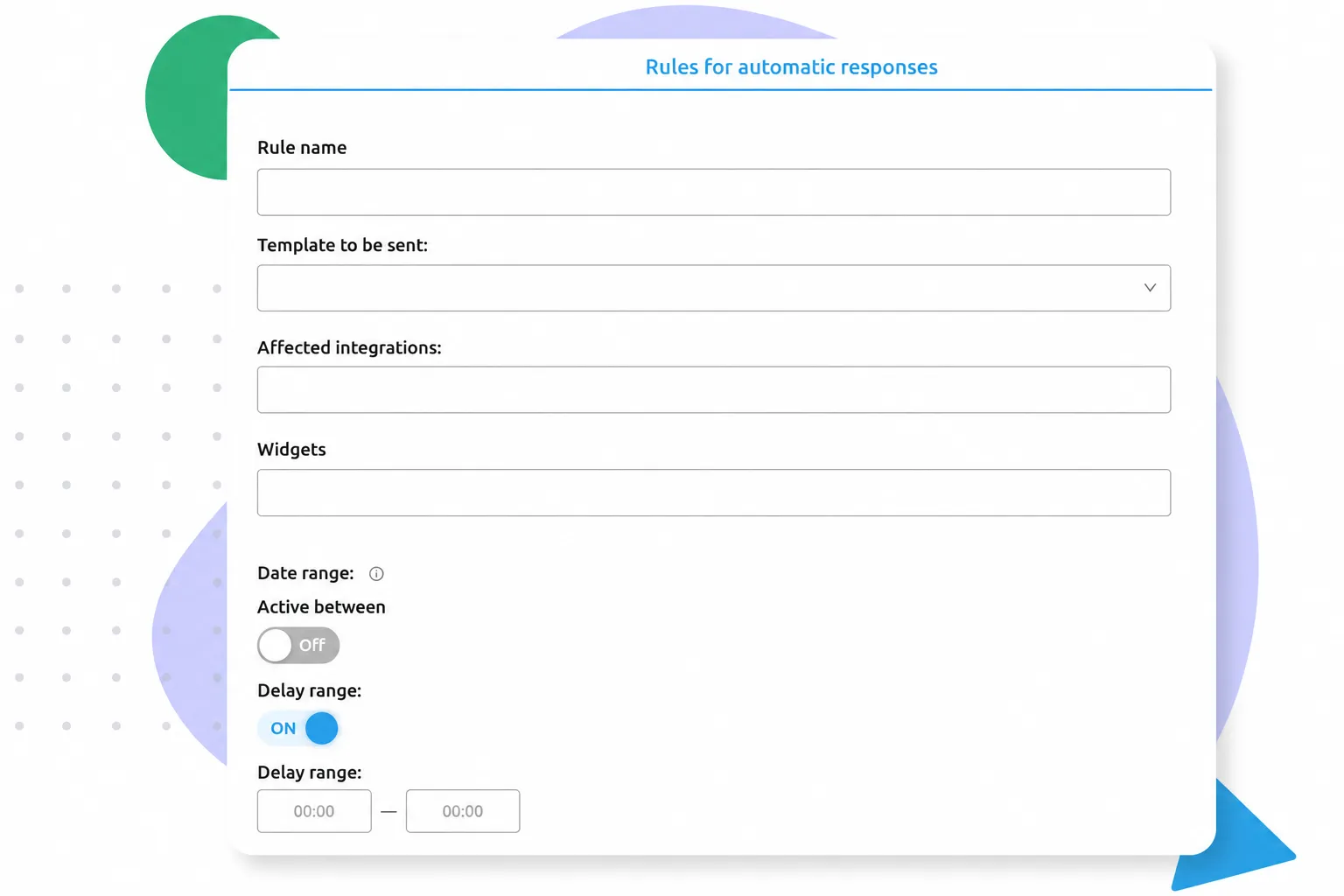
- Smart Automation Rules: Set up "if-then" conditions to route tickets automatically. For example: If a message contains the word "cancellation," assign it immediately to the "Order Processing" department and set the priority to "High."
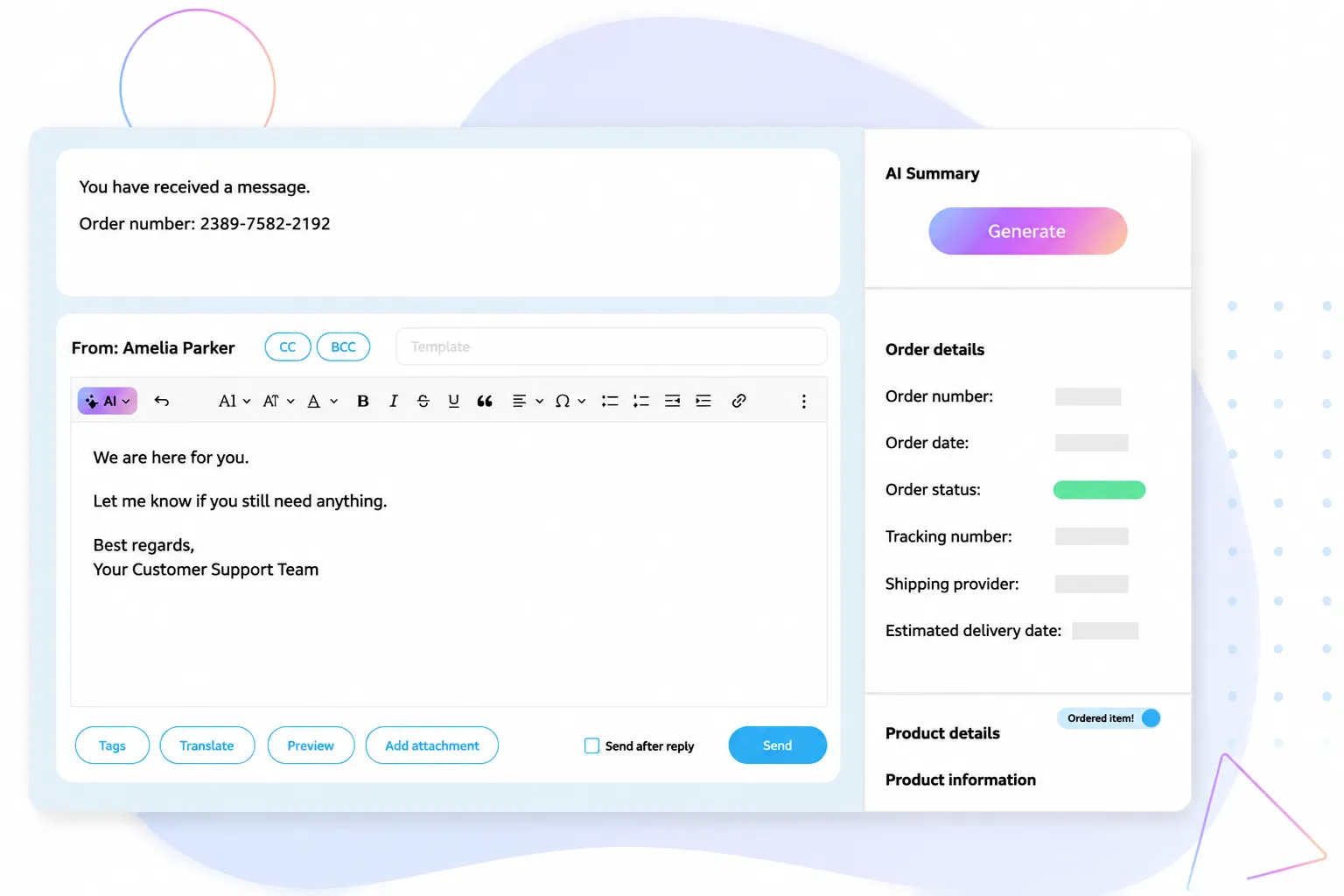
- AI Features: Utilize the built-in AI for automatic ticket summaries or AI categorization, so your team immediately understands what a message is about.
- Email Templates With Placeholders: Create templates that automatically pull data (e.g., customer name or tracking number) from connected marketplaces and your order management system (like Billbee), allowing you to send personalized replies with a single click.
What Should I Keep in Mind When Automating Customer Service?
To ensure that your automation truly enhances customer service, you should:
- Keep the Human Touch: Automated replies should never sound purely mechanical or cold. Frame them as naturally and friendly as possible. Additionally, use placeholders to personalize your messages.
- Always Provide an Escape Route: Your customers should always have a straightforward way to connect with a real human being.
- Stay Up to Date With Platform Requirements: Marketplace policies change. Review your templates and rules regularly to ensure they remain accurate and comply with guidelines (e.g., from Amazon).
- Prioritize Data Privacy: Ensure customer data is not processed improperly. Replyco guarantees this through secure API integrations.
How Can I Verify That My Automation Is Working?
The best approach involves two steps—technical and analytical:
- The Technical Verification (Test Run): After setting up a new rule or template, create a test ticket (e.g., via your own test email account). Check the Replyco inbox to see if the ticket received the correct label, was assigned to the right person, or if the auto-responder triggered properly.
- Dashboard Analysis: Use your helpdesk reporting. If your automations are working effectively, you should see your average response times drop, SLA compliance rates rise, and your team spending significantly less time on manual ticket assignments.