
Email Automation
Send Automated Replies
Exceed your customers' expectations and respond even faster to inquiries thanks to powerful automation features.

Automate Your Messages With Replyco
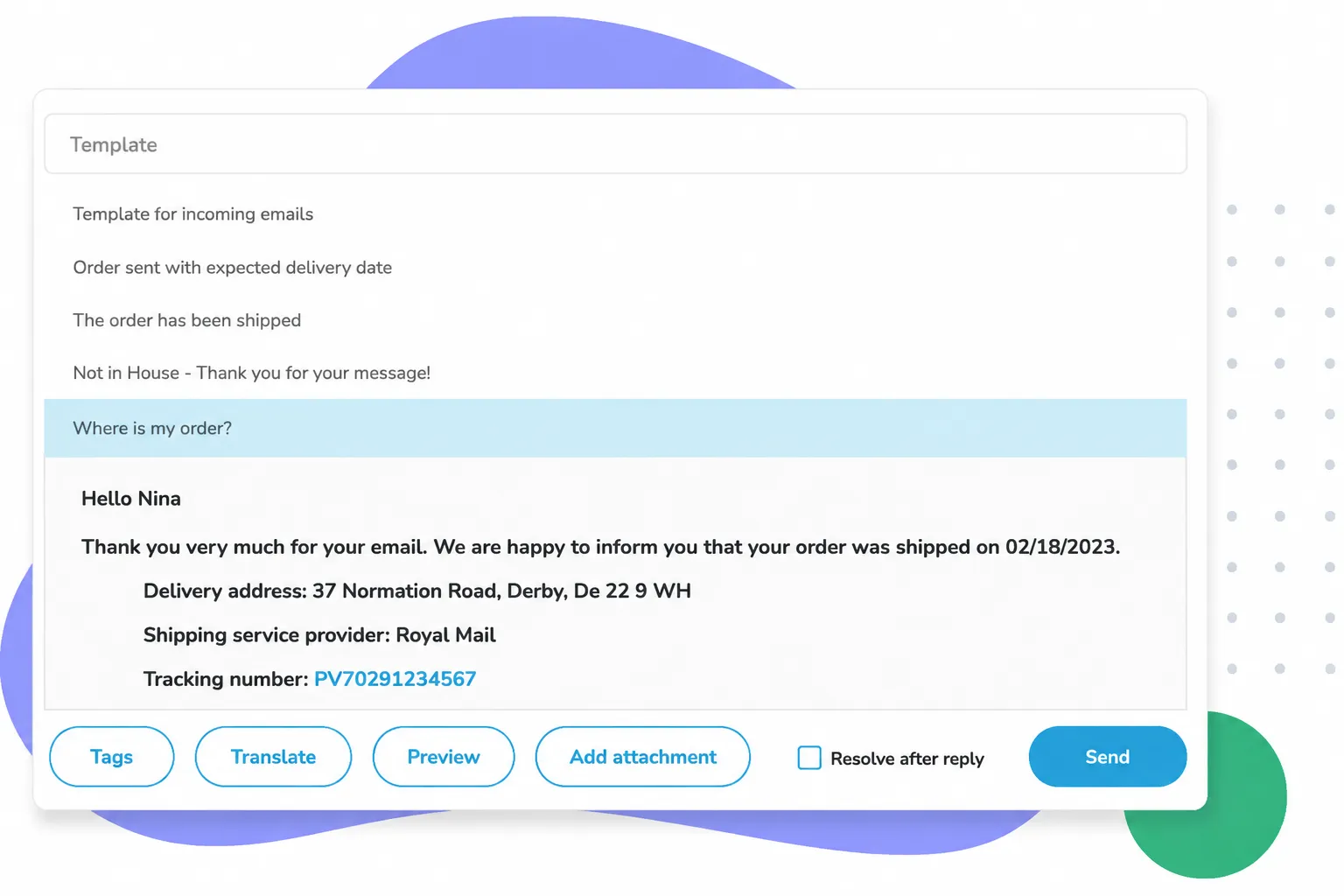
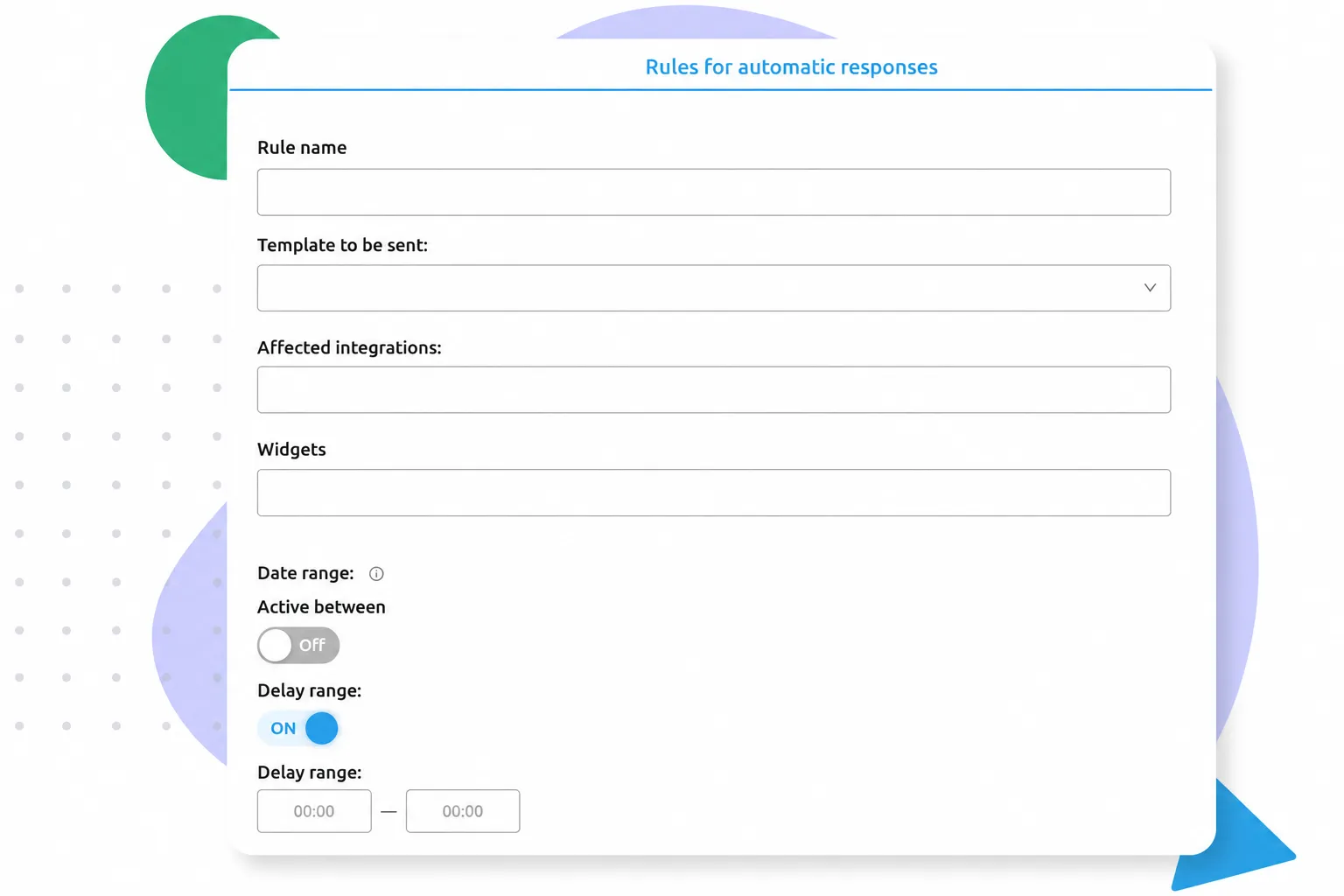
Stay in touch with your customers even after business hours. Replyco's extensive response templates combined with customer data tags, smart auto-responders, and automated workflows enable you to stay connected and support your customers 24/7.
Save Time on Recurring Questions
Email Templates
Keep Your Customers in the Loop
Automated Replies
What Replyco Users Are Saying

Personalize Your Messages
Custom Tags

Create Custom Automation Rules
Workflow Automation
Frequently Asked Questions
How Can I Automate Emails in Replyco?

How Long Does It Take to Set Up Automation?
Setting up basic automations usually takes just a few minutes, while more complex workflows might take a little longer, thanks to Replyco’s intuitive, no-code visual system. Simple rules like automated out-of-office replies or routing messages by marketplace (e.g., sending all eBay tickets to a specific folder) can typically be activated with a few clicks. If you are planning deep automations based on specific keywords or order statuses, it’s worth spending a couple of hours accurately testing the conditions to ensure everything runs flawlessly in production.
Can Replyco Access Real-Time Data From My Store?
Yes, Replyco uses official API integrations to access real-time data from your online store (such as Shopify, WooCommerce, or Magento) and your connected marketplaces. The moment a customer message hits the helpdesk, the system works in the background to pull the latest information on the corresponding order, shipping status, tracking number, and payment method. This real-time data is displayed directly alongside the ticket for your support team, eliminating the need to manually dig through your store's backend to provide accurate information. If you use a different shop system and rely on Billbee for order processing, you can connect Billbee to Replyco to receive all necessary information in real time directly from the Billbee API.
Can I Still Personalize Automatically Generated Emails?
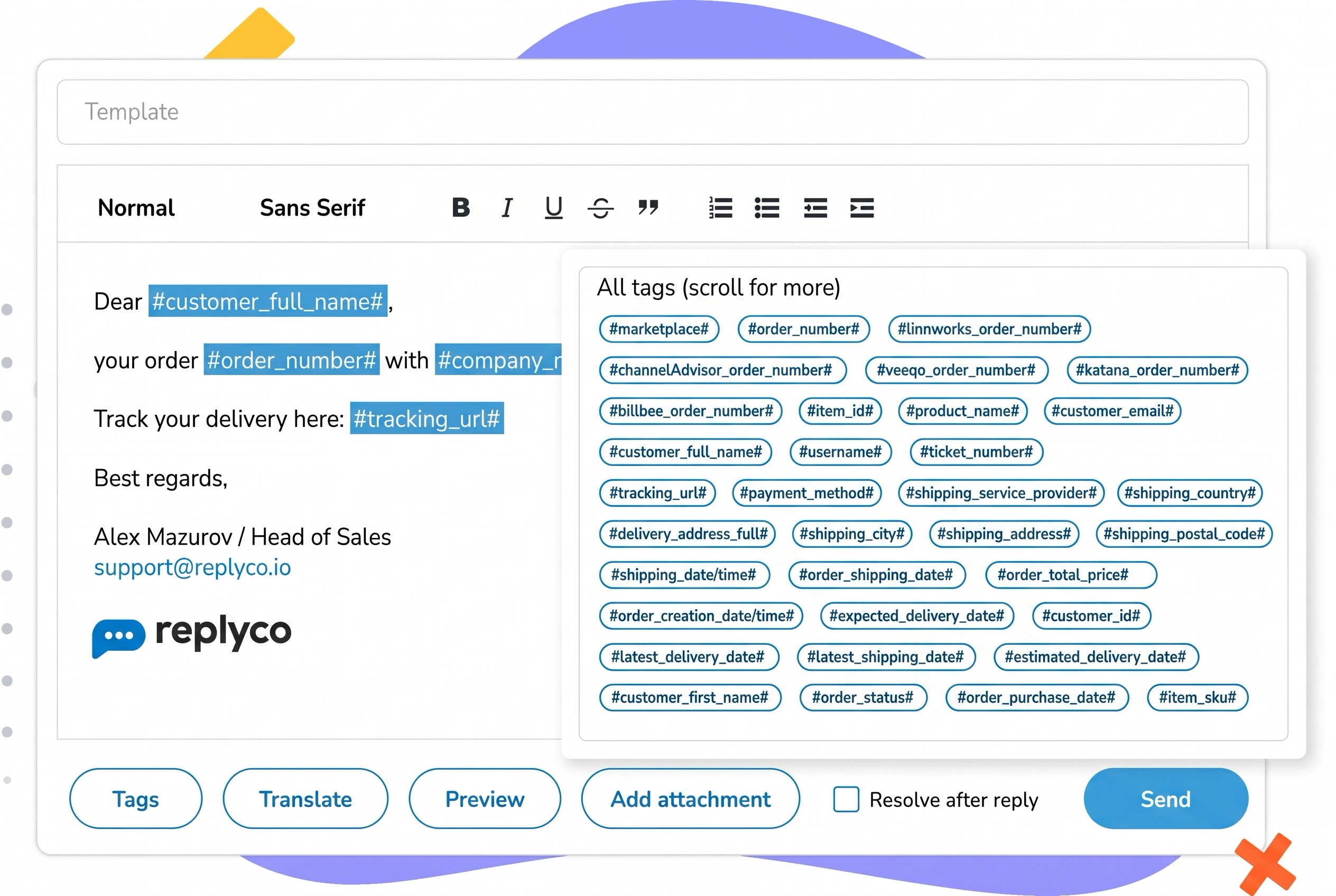
Yes, every automatically generated email can be highly personalized. Simply insert dynamic placeholders (known as custom tags) into your text templates. When the automation triggers, these placeholders pull matching details from your customer's order in real time. This automatically transforms a standardized template into a personalized message containing the correct customer name, exact order number, purchased items, or individual tracking link. Your emails remain approachable and authentic, despite being automated.