Ideal for E-Commerce Merchants
Live Chat Software
Chat with your customers in real time while they browse your online store. Easily answer questions directly in the chat and prevent cart abandonment with Replyco's live chat software.

Connect With Your Customers Directly in Your Online Store
Give your online store visitors an easy way to get in touch. Live chat support ensures a better shopping experience and boosts your conversion rate.
Be There for Your Customers at All Times
Real-Time Support
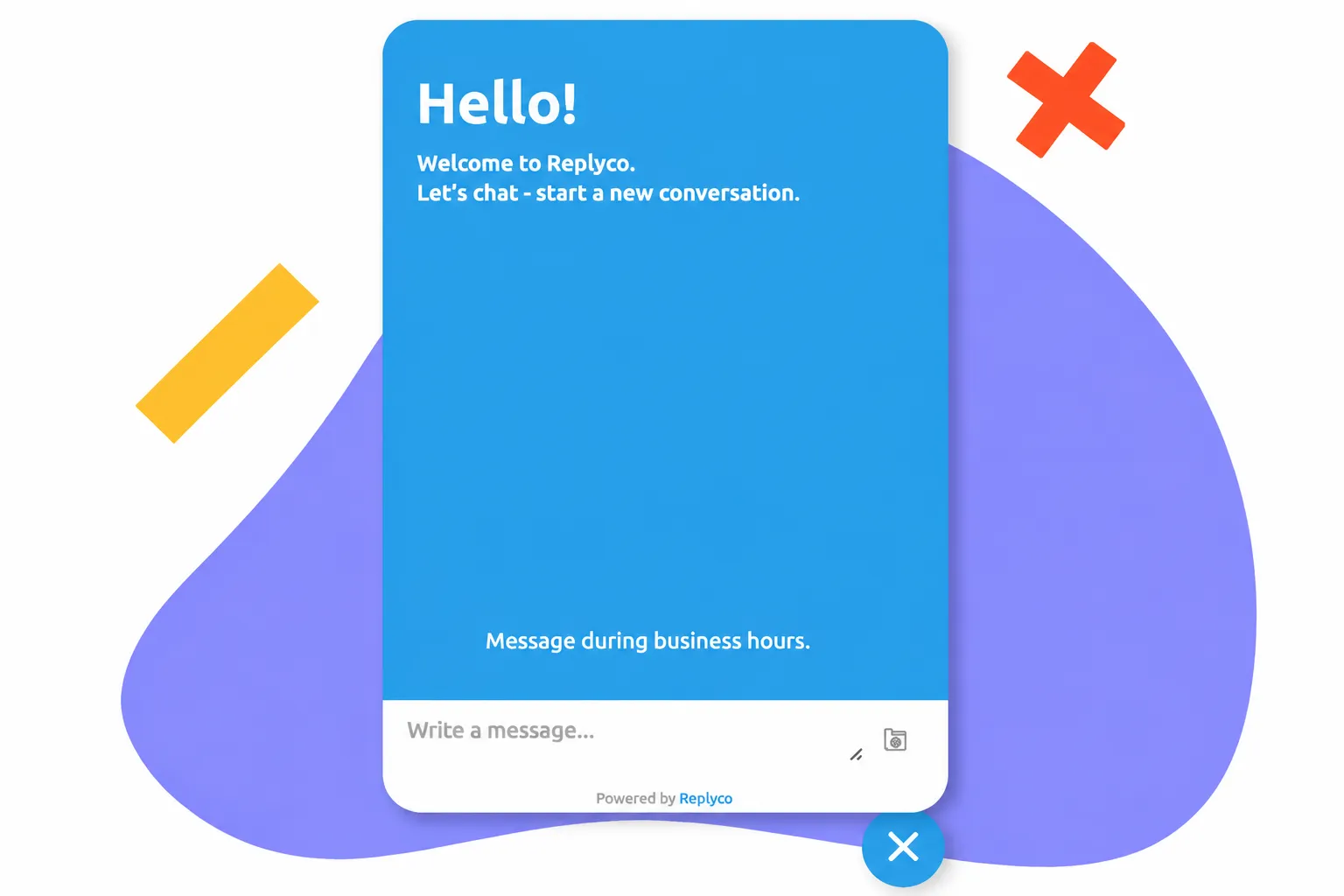
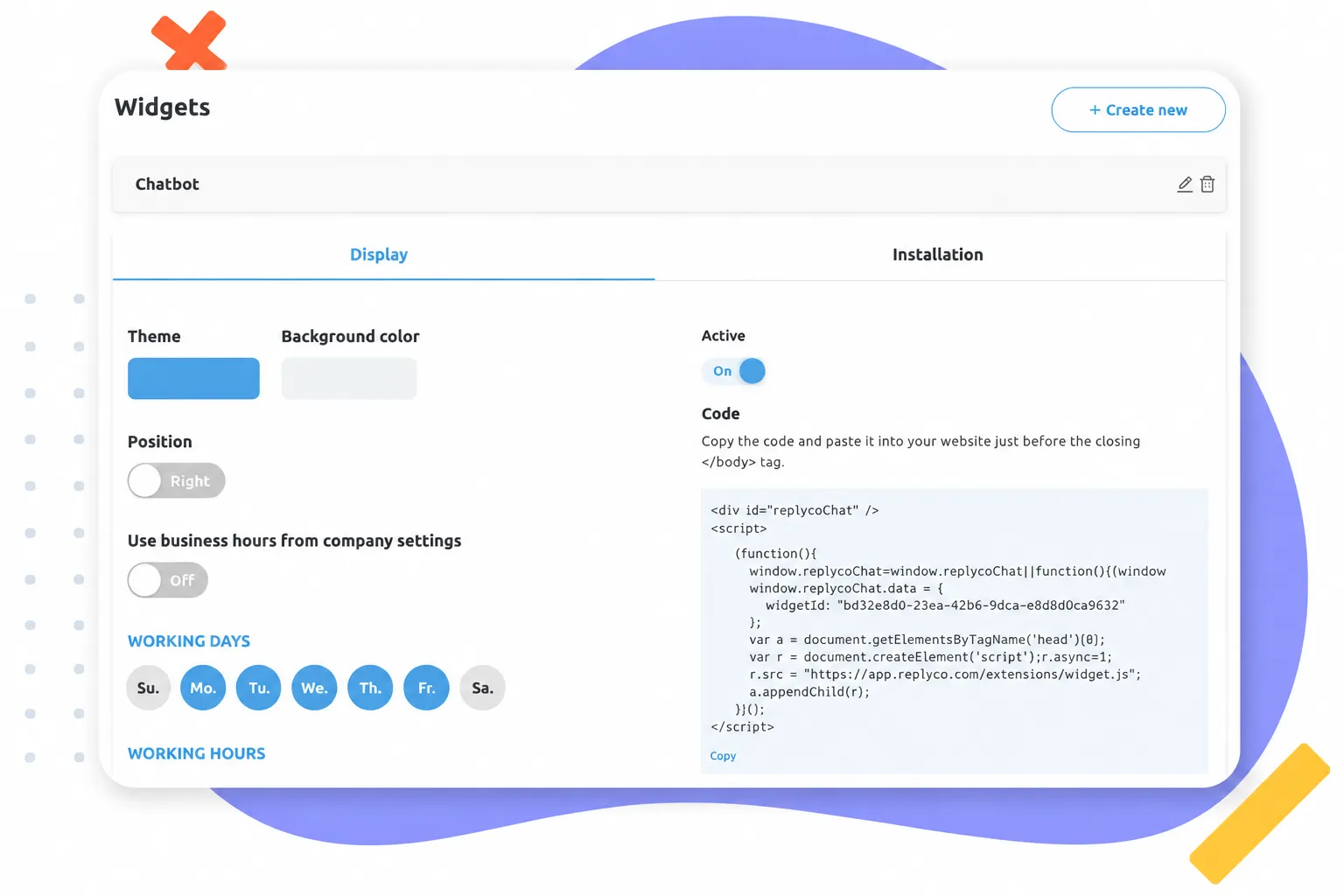
Tailored to Your Online Store
Fully Customizable
What Replyco Users Are Saying

Launch Your Live Chat Today
Simple Integration
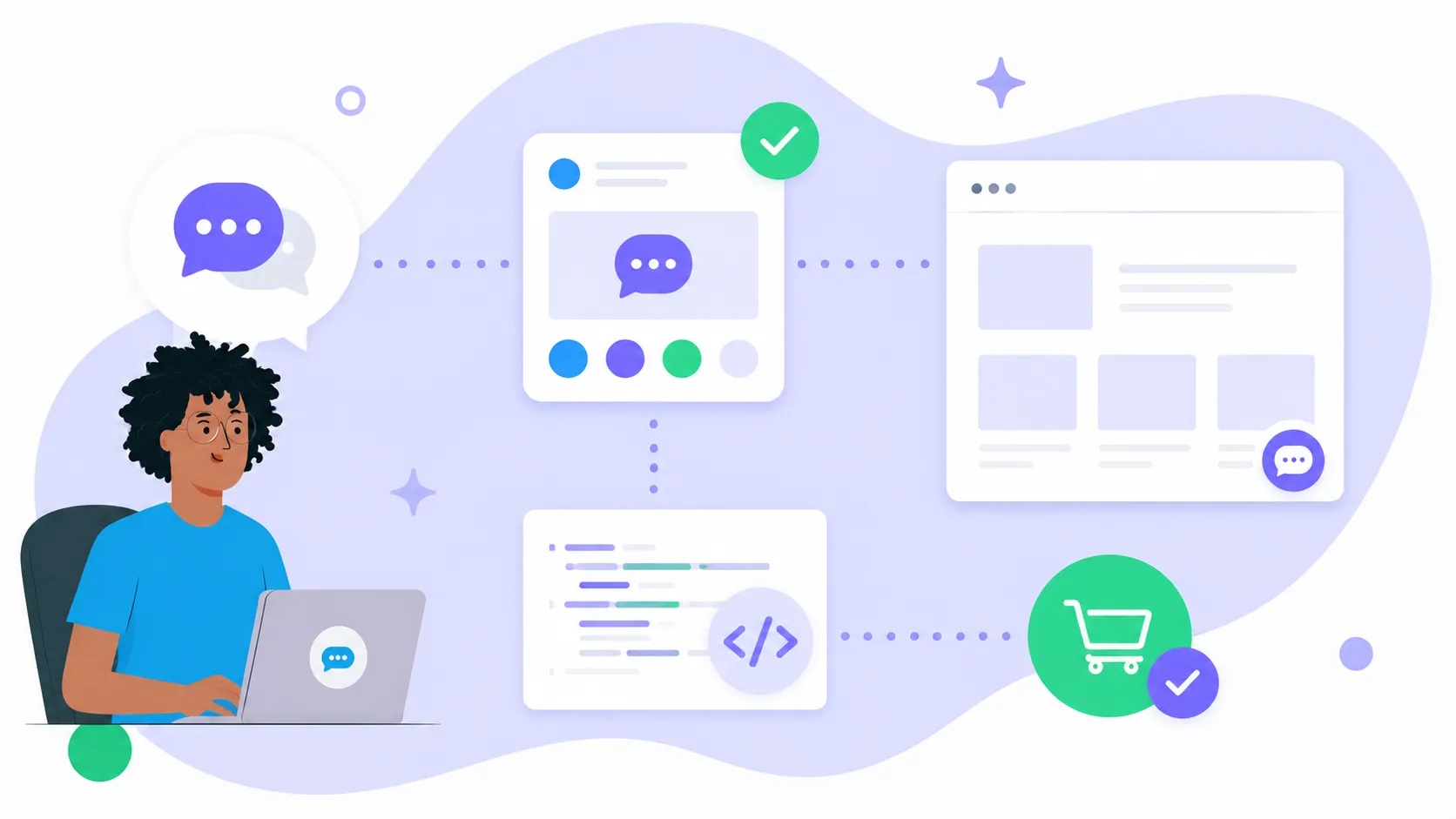
Maintain a Clear Overview at All Times
Chats Straight Into Your Inbox
Frequently Asked Questions
When Is Live Chat Software Worth It?

Live chat software is worth it if you want to reduce cart abandonment in your online store. It makes sense for both small and large online shops to quickly answer questions about products, shipping times, or returns. With live support, you can also stand out from the competition and boost the conversion rate of your online store.
How Long Does It Take to Set Up Live Chat Software?
Setup usually takes just a few minutes. The most involved part is customizing your live chat: for example, choosing the colors and positioning in your online store (left or right). Set up your service hours, assign a title and welcome text, and write one message to be displayed during service hours and another for when you are offline.
Once you're done, the system automatically generates a ready-to-use code. All you have to do is copy and paste it into your online store's backend.
Which Shop Systems Is the Helpdesk Chat Compatible With?
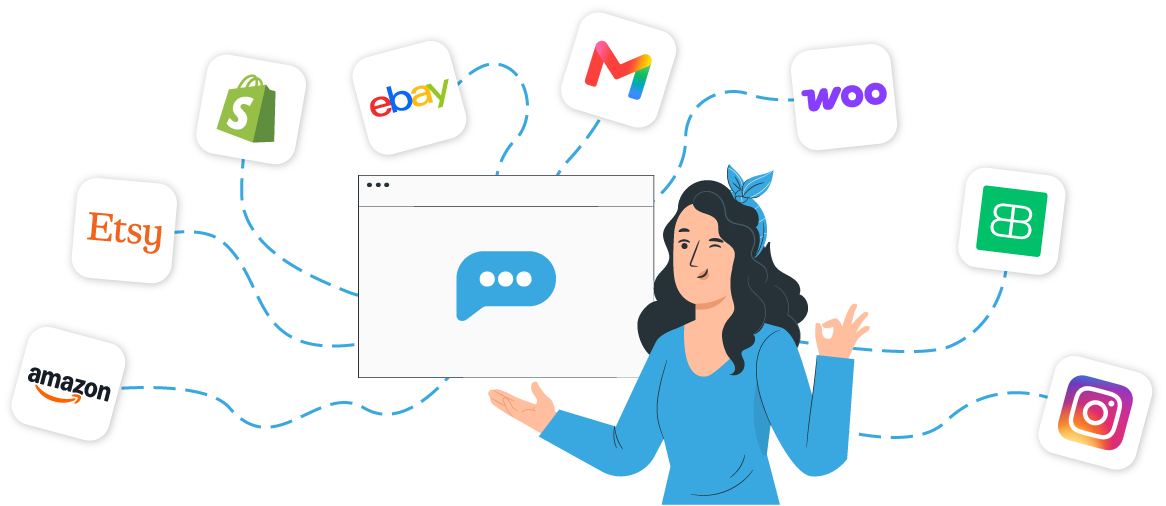
The Replyco live chat widget is compatible with all major e-commerce shop systems. Because the widget is based on universal HTML code, you can easily integrate it into your store's codebase.
What Happens to the Live Chat Outside Customer Support Hours?
You can configure your service hours in the settings. Outside of these hours, you have two options:
- The chat automatically switches to an offline mode. In offline mode, a predefined out-of-office message is displayed, such as: "We are currently offline but will reply first thing tomorrow morning." The chat then essentially acts as a contact form where your customers can leave their email address and message. You can easily convert the inquiry into a ticket and reply via email right from Replyco.
- The chat is hidden, meaning it is only accessible during your service hours. Your customers can still use all other communication channels.
What Happens if a Customer Leaves the Chat Before I Reply?
If a visitor leaves your shop or closes the chat window before you or your team can respond, the information is not lost. Since the system captures contact details before (or during) the chat session, you can easily convert the inquiry into a ticket and reply via email later from within Replyco. Your customers will then receive your response straight to their email inbox.