Enhanced Team Collaboration
Coordinate Your Support Team
The various teamwork features enable your employees to exchange the right information at the right time and in the right place. This ensures productive customer service for your e-commerce business.

Teamwork with Replyco
Replyco is built to support online merchants in managing customer support seamlessly. Collaboration within a support team can be a critical factor for success. Replyco provides a wide range of features designed for smart, cost-efficient team collaboration.
One Helpdesk for the Entire Team
Unlimited Team Access
Increased Transparency
Easy Task Assignment
What Replyco Users Are Saying


A Shared Roadmap
SLA Prioritization
Share Information Easily
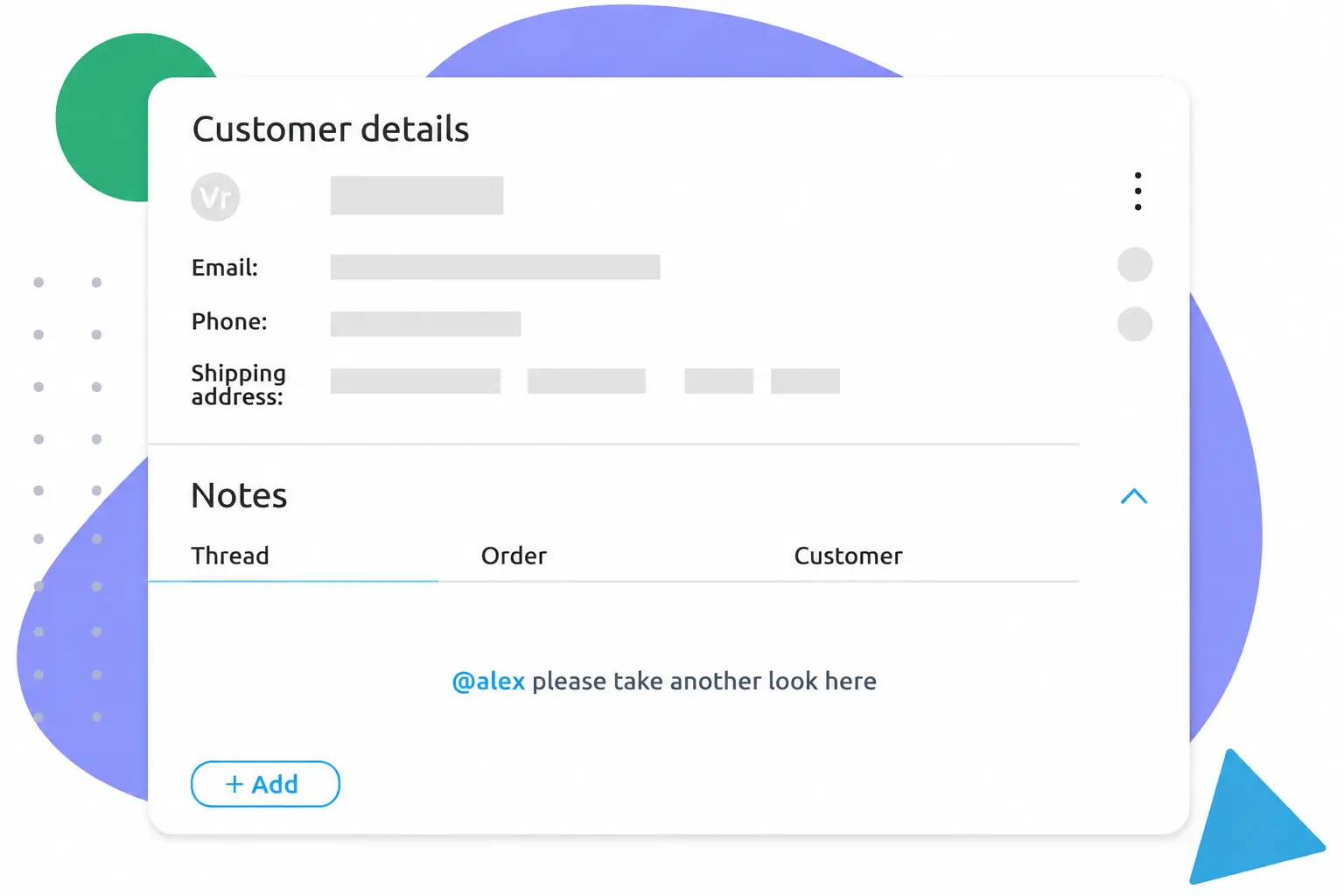
Internal Notes
Track Helpdesk KPIs
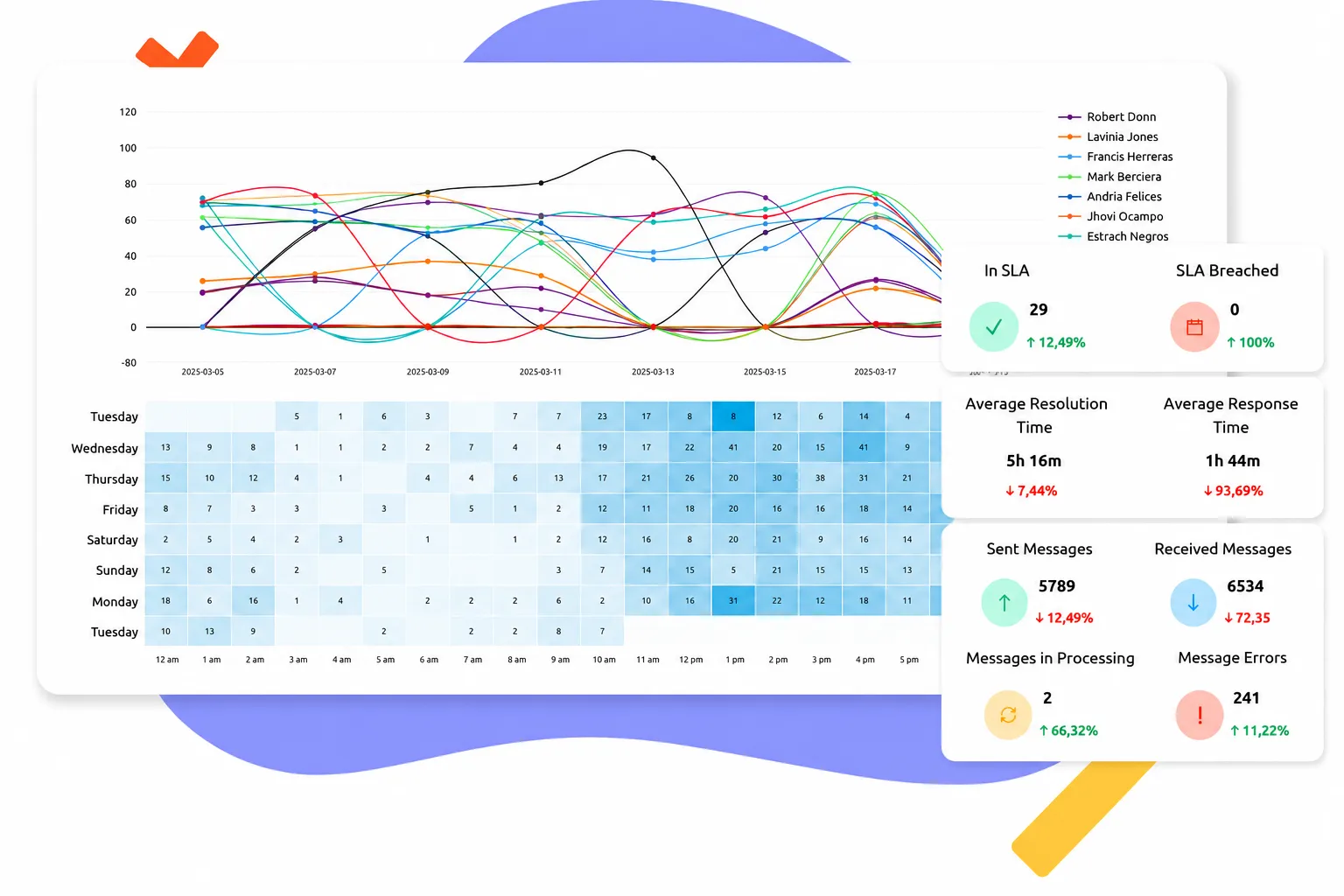
Performance Reporting
Frequently Asked Questions
Can I Use Replyco With Multiple Team Members?

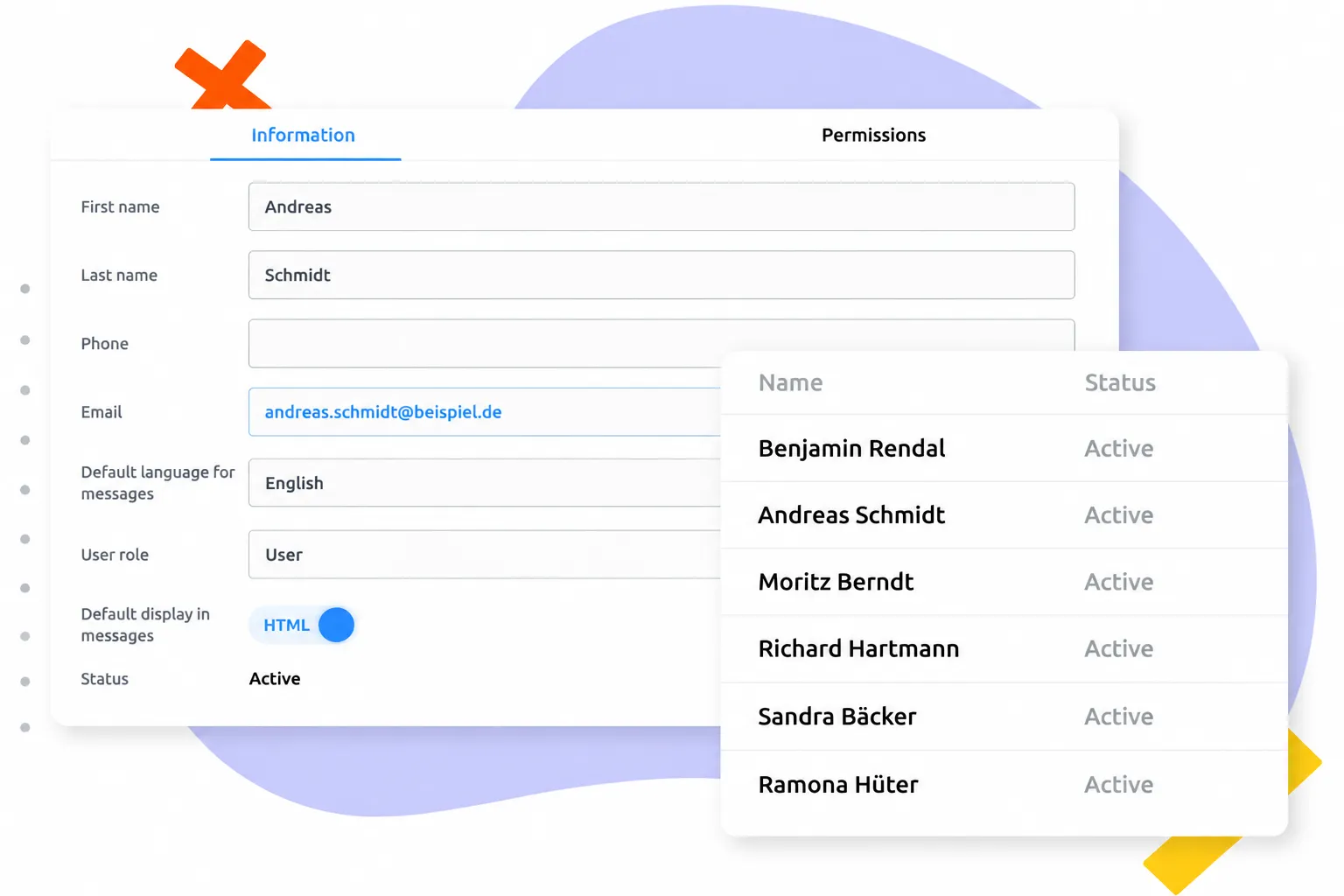
Yes, Replyco is explicitly designed for team collaboration. Every team member gets their own personalized access with individual login credentials. Through detailed role and permission management, you can flexibly control which agents have access to specific inboxes, marketplaces, integrations, or admin settings.
How Many User Accounts Can I Set Up per Plan?
Opting for ticket-based pricing allows you to create an unlimited number of user accounts.
With our user-based model, your team size determines your tier: Tier S covers 1–3 seats, Tier M supports 4–7, Tier L includes 8–15, and Tier XL accommodates 16+ users. This model scales seamlessly with your business—becoming increasingly cost-effective per user as your team grows.
ticket-based pricing, you can create unlimited accounts. , you can create an unlimited number of accounts.
Can I Assign Tickets to Individual Team Members?
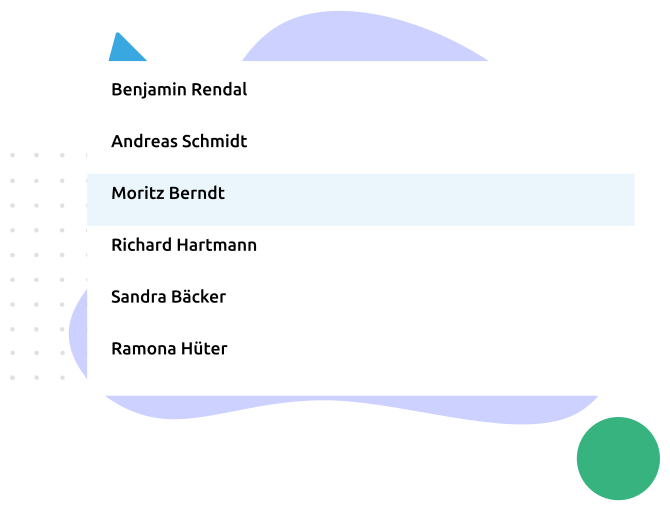
Yes, if an inquiry requires specific expertise, you can hand off the ticket to the responsible person in just two clicks, and they will be notified immediately. If you want to save more time, you can automate this step with Replyco so that tickets route to the right person completely automatically.
Can Teams See if a Colleague Currently Has a Ticket Open to Avoid Duplicate Replies?
Yes, if a colleague has a ticket open or is actively drafting a response, Replyco displays this in real time. This eliminates duplicate replies and cuts down on redundant work within the team.
Can I Define Service Hours and Service Level Agreements?
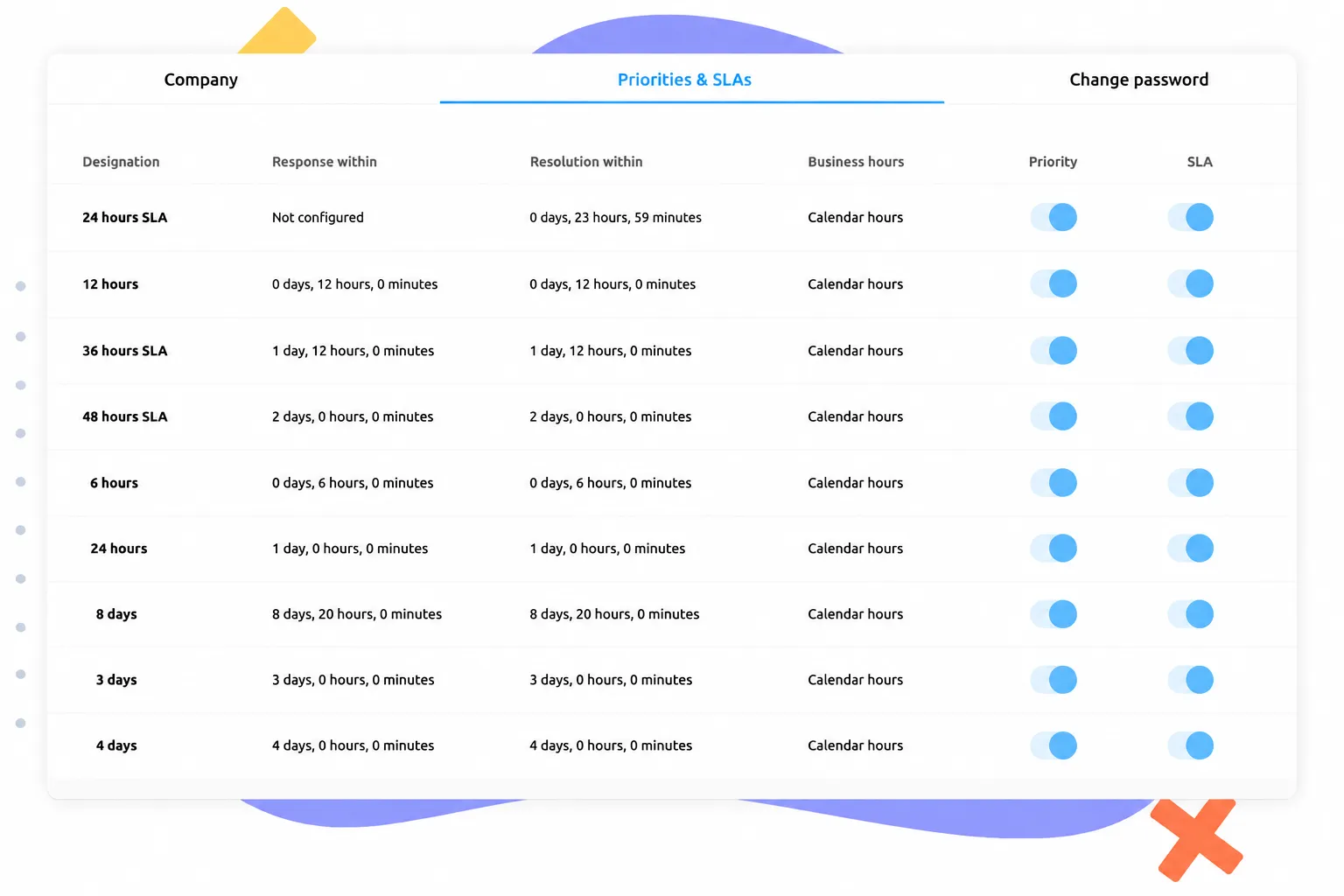
Yes, you can precisely define your specific business hours as well as binding Service Level Agreements (SLAs) within Replyco. You determine the timeframe (e.g., within 24 hours) in which customer inquiries must be answered, and the system automatically factors in your configured working hours and weekends. Should a message risk breaching this timeframe, it will be color-coded on the dashboard or bumped up in priority, helping you meet your service promises and the strict guidelines of marketplaces like Amazon or eBay at all times.
Are Internal Notes Supported?
Yes, internal notes can be left directly inside the ticket in Replyco, making it easy to store important background info on orders or ask questions to colleagues. You can also mention specific team members in these notes to automatically notify them, accelerating internal alignment without jumping to external messaging apps.
Can I View Performance Reports for Individual Team Members?
Yes, the dashboard allows you to filter statistics by individual team members. This keeps metrics like resolved ticket counts, average response times, or SLA compliance per person right on your radar. These data-driven insights help you distribute workloads fairly across the team, spot bottlenecks, and optimize productivity where it counts.