

How to Contact eBay Customer Service in 2026
The recent pandemic means eBay phone support is temporarily unavailable, but here are all the ways you can contact eBay customer service right now.
Whether you’re an eCommerce seller or an online shopper, you may find yourself needing to contact eBay customer service at some point. However, thanks to COVID-19 and limited contact options, this may seem easier said than done.
So today, we’re taking the time to list exactly where and how you can reach eBay customer service in 2021, including steps and screenshots.
Social Media
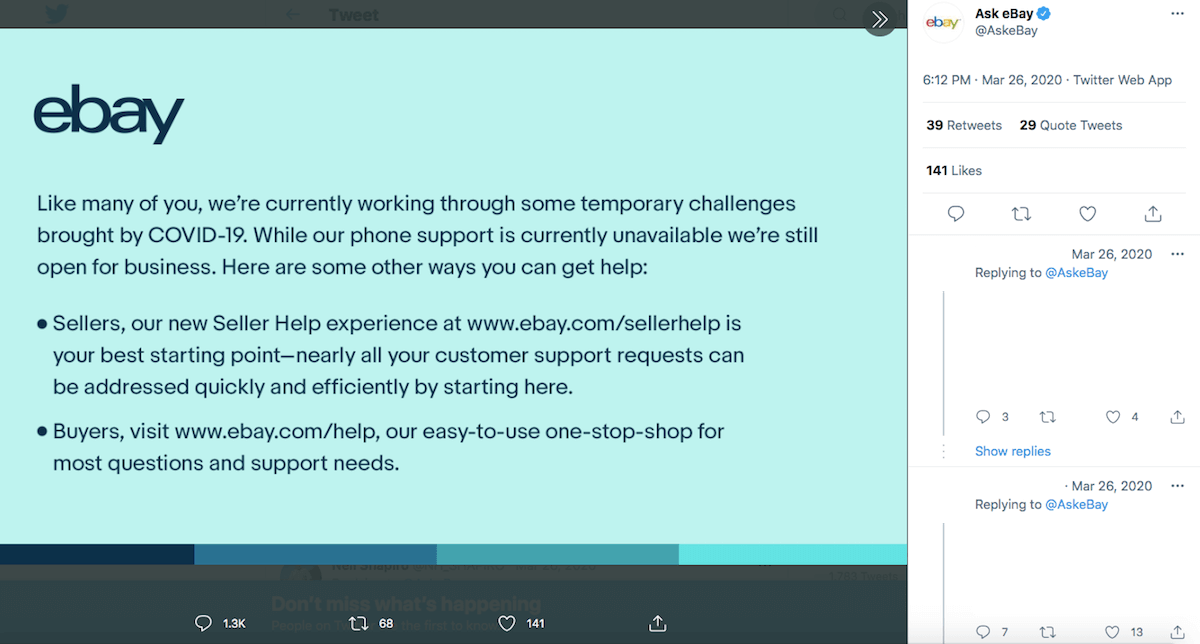
If you visit eBay’s Twitter page, you will find a pinned tweet stating that the company has temporarily suspended phone support amid COVID-19. While there is currently no estimate as to when these services will be restored, one option you have in the meantime is to submit questions via their twitter handle: @AskeBay.
If you elect to go this route, be sure not to share any private, personal or sensitive information in a public tweet. You can ask basic questions by simply tagging them in a post, but for more in-depth or specific inquiries, use the direct messaging option.
You can also reach out to eBay via Facebook here (eBay’s Facebook handle is @eBay). The same cautions for sharing information apply here as well. Be sure to use the direct messaging feature for anything beyond a vague inquiry.
While we can’t speak to the efficiency of this method (there’s no way of guaranteeing how quickly eBay might reply on social media), we can say that the option is at least available at the moment of this writing. And in checking tweets while conducting research, we have witnessed eBay responding to several tweets on the same day they were posted.
Live Chat
Perhaps the easiest way to actually make contact with a person in the eBay customer service department is to use the live chat feature — which, again, is currently available as of this writing.
However, the live chat option isn’t immediately visible upon first visiting eBay.com. Here’s how to get to it:
Go to eBay.com and click “help & contact” in the top-left. This will take you to the eBay Customer Service page.

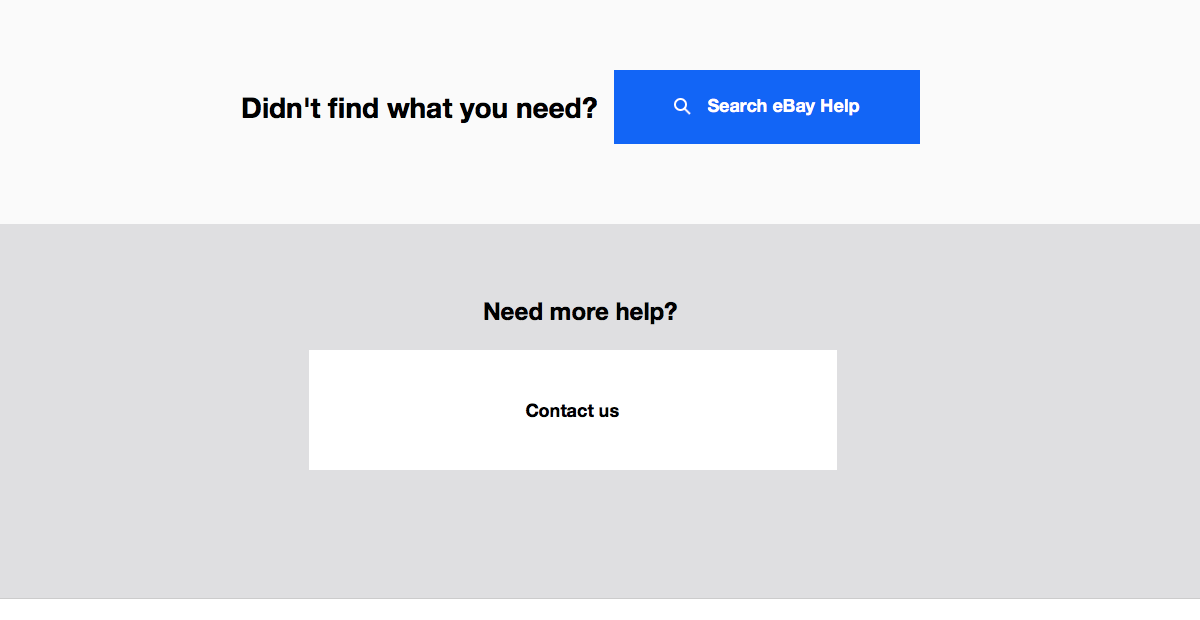
Scroll down to the bottom of the page and click the “Contact us” button under “Need more help?” (note: this used to be an “email us” button before eBay discontinued that feature).
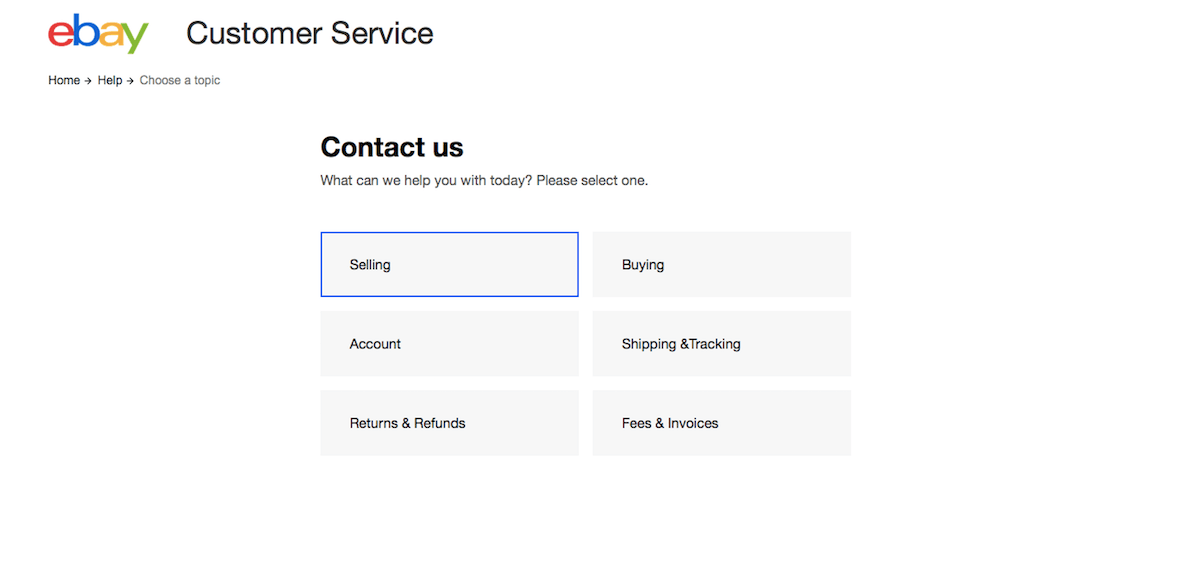
Select the option that most closely relates to your inquiry (selling, buying, account, shipping & tracking, returns & refunds or fees & invoices).
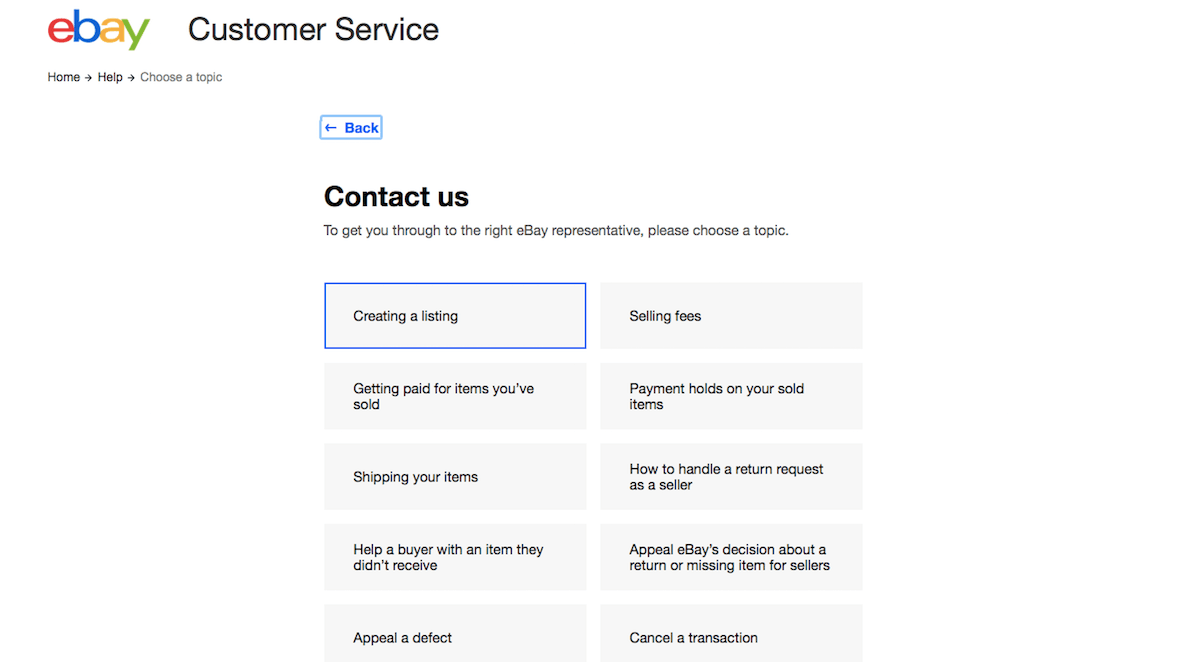
Select the sub-option that most closely relates to your inquiry (if you chose “selling” in the previous step, your options would be creating a listing, selling fees, etc.).
Your selection will bring you to a help document on the topic. Scroll to the bottom of the page and click the “Chat with us” button under “Need more help?”

As you will see in that last step, eBay even offers an estimated wait time for live chat.
Help Articles
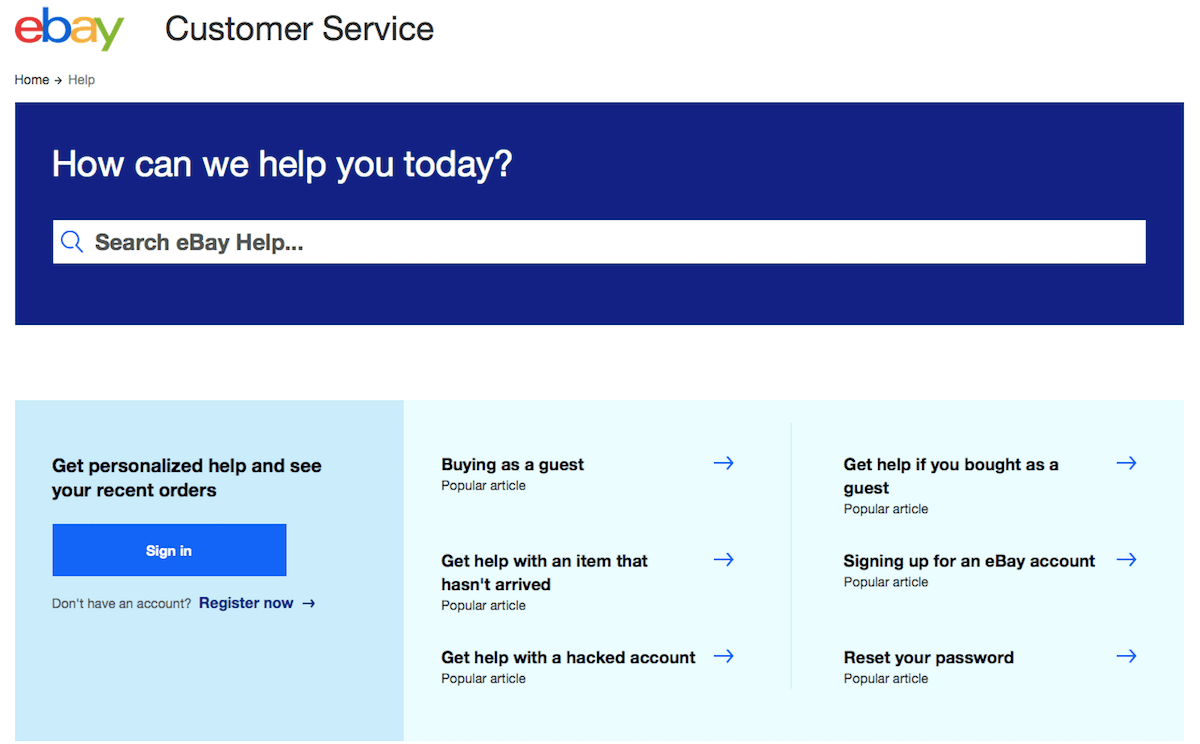
Now that we’ve covered essentially the only two ways you can currently contact eBay customer service directly, let’s look at how to navigate their self-serve options.
First of all, you can visit the aforementioned eBay Customer Service page to read an absolute myriad of help articles on virtually any topic you could think of having to do with buying or selling on eBay.
This page contains a search bar where you can enter the exact subject you want to learn more about, as well as a collection of their most popular help articles near the top. When scrolling down, you’ll also find sections devoted to specific subjects: Returns & Refunds, Shipping & Tracking, Selling, Buying, Account and Fees & Invoices. Click on any of these to be taken to related resources.
eBay Community
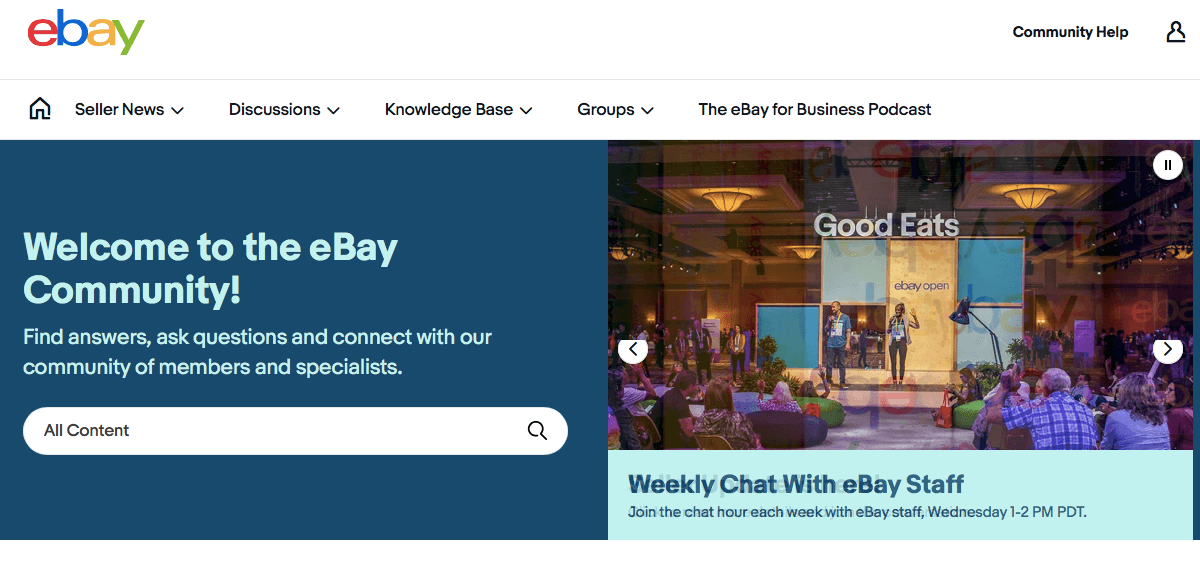
If you have an inquiry that isn’t particularly time-sensitive, you might want to consider posting in the eBay Community (or even browsing through previously asked questions to see if your issue has already been addressed).
The eBay Community is a forum-style section of eBay’s website that enables users to ask questions or voice concerns and get responses from other community members, as well as eBay specialists and customer service representatives.
You can also scroll through the eBay Community page to read the latest announcements and news from eBay.
Knowledge Base
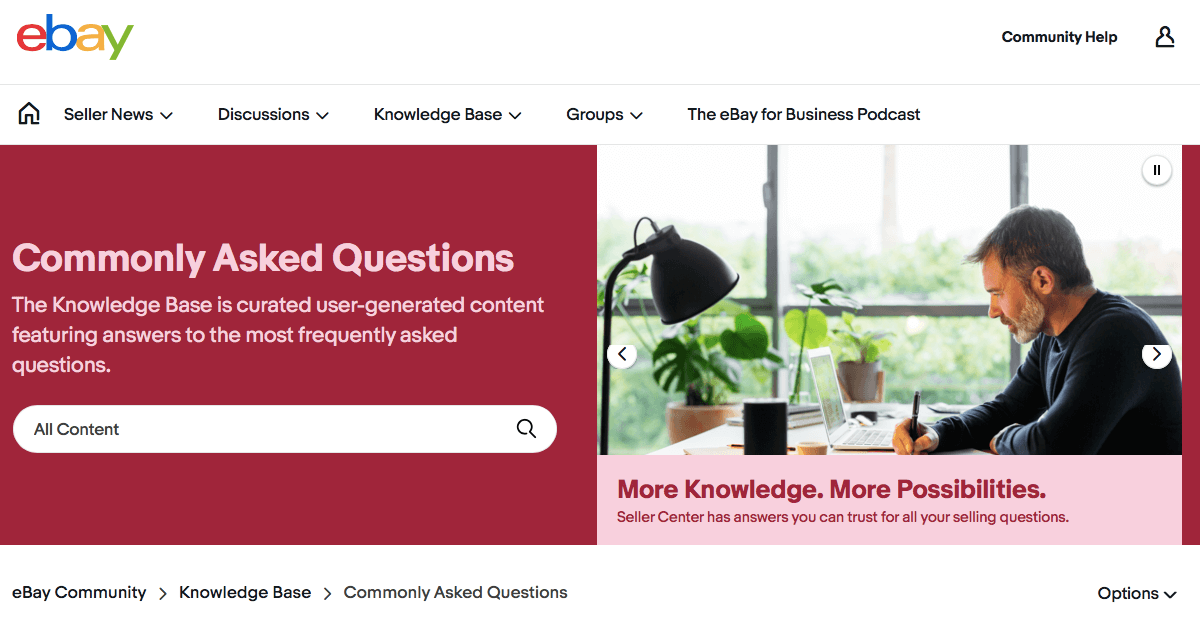
Finally, you can visit the eBay Community Knowledge Base to find answers to the forum’s most frequently asked questions. Primary sections include Buying & Selling Q&A, Commonly Asked Questions and Community Mentor Corner.
Replyco: Dedicated Support for eBay Sellers
If you’re an eBay seller who’s struggling to stay on top of your customer service, Replyco has your back. Our advanced inbox management features enable you to centralize your messages, save time and delight shoppers like never before. Plus, our customer service pros are available to answer your questions via email, phone and live chat.
Take a tour of our features or get started with your no-credit-required, free trial today!